WebDAV Config
WebDAV is the protocol PhotoSpectra uses to upload photos to your PhotoPrism server. Go to Settings → WebDAV Config to configure where files land.
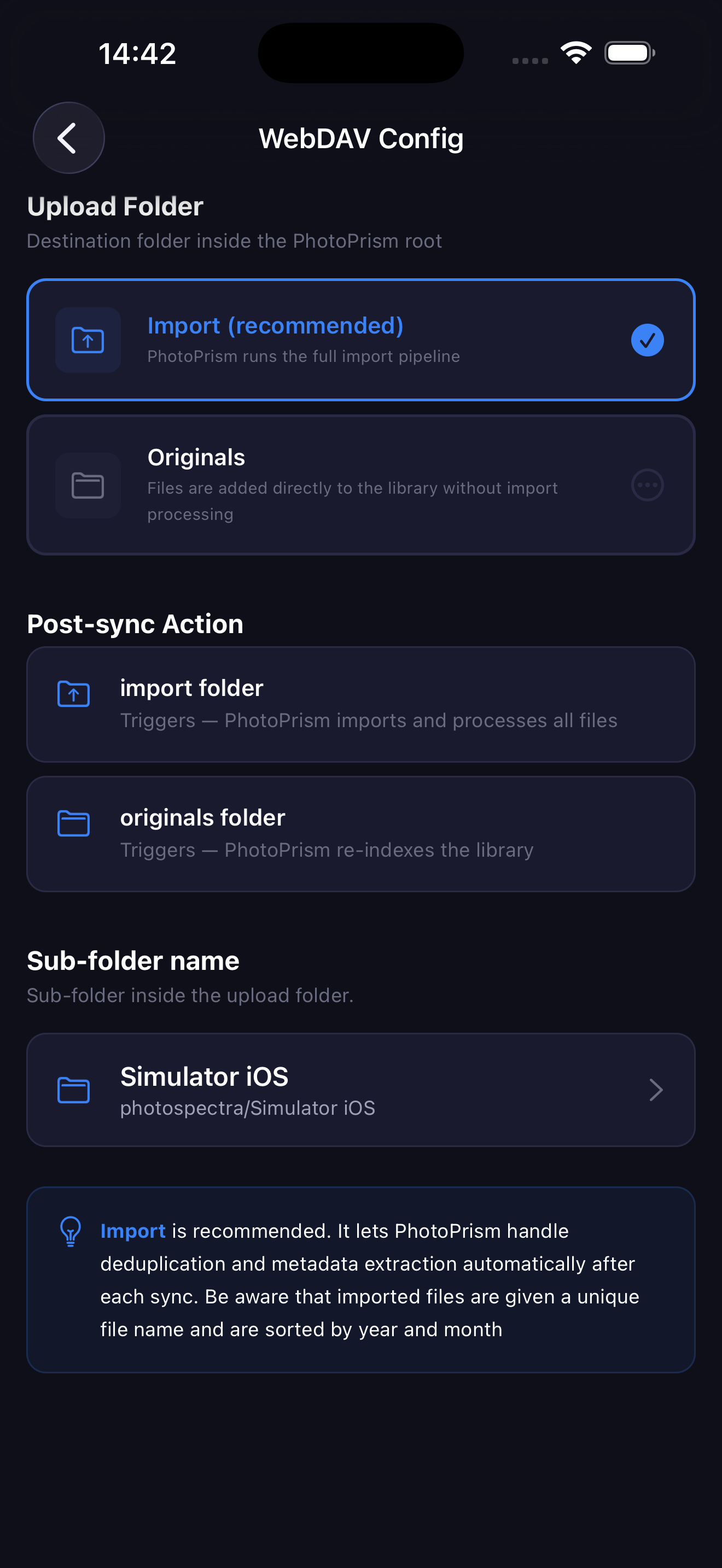
Upload Folder
Choose the destination folder inside the PhotoPrism root:
Import (recommended)
Photos are uploaded to the import folder. After each sync, PhotoPrism automatically:
- Deduplicates files
- Extracts metadata (EXIF, GPS, etc.)
- Sorts photos by year and month
- Renames files with a unique name
Use this if you want PhotoPrism to fully manage your library.
Originals
Photos are added directly to the originals folder without the import pipeline. PhotoPrism re-indexes the library after the upload, but no renaming or sorting happens.
Use this if you want to keep your original file names and folder structure.
Sub-folder Name
Inside the upload folder, PhotoSpectra creates a sub-folder to organize your uploads:
photospectra/{sub-folder-name}/
By default this is your device model name (e.g. iPhone 15 Pro). You can change it to any name — useful if you sync from multiple devices to the same server.
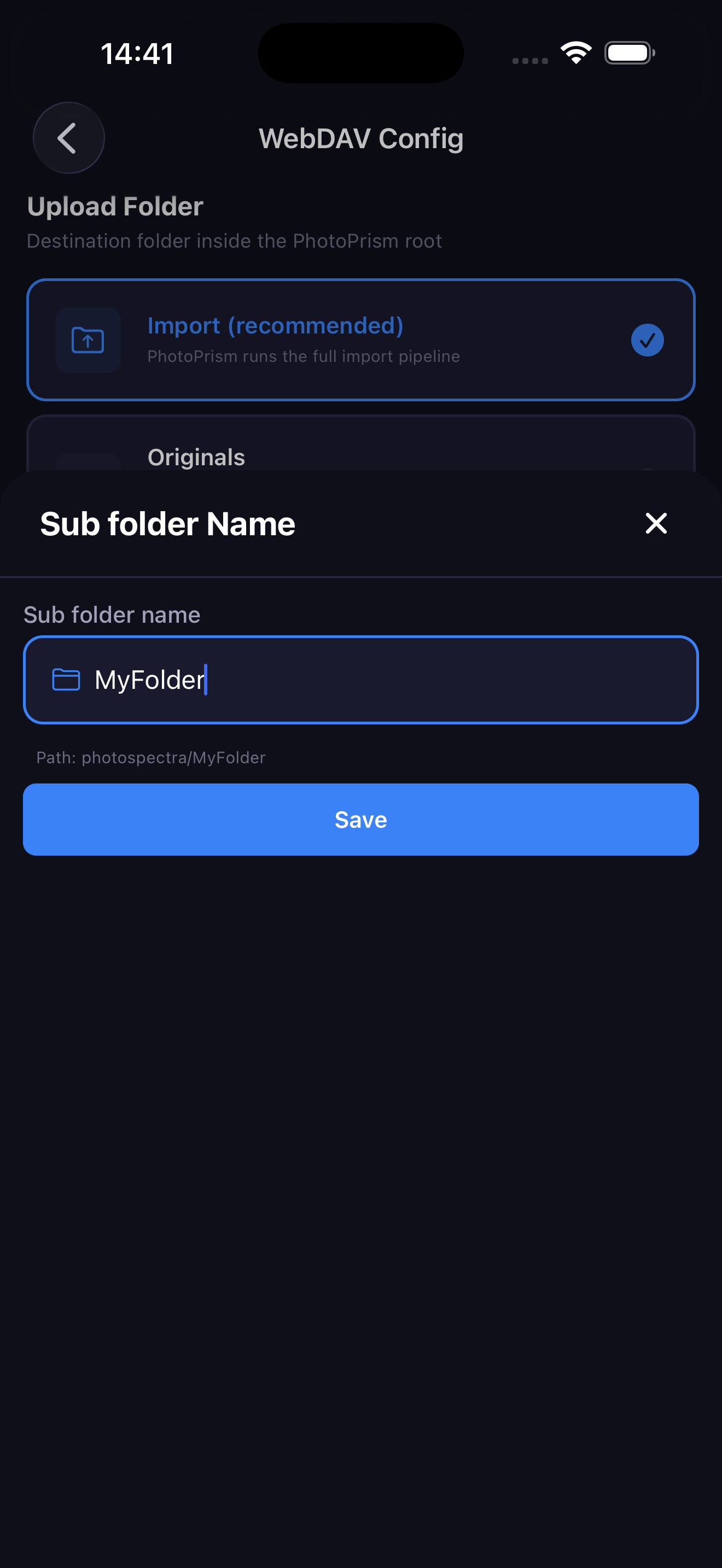
The sub-folder name cannot contain /, ? or ! characters.
Tap the sub-folder row to edit the name. The full path is shown in real time as you type.