Manage Servers
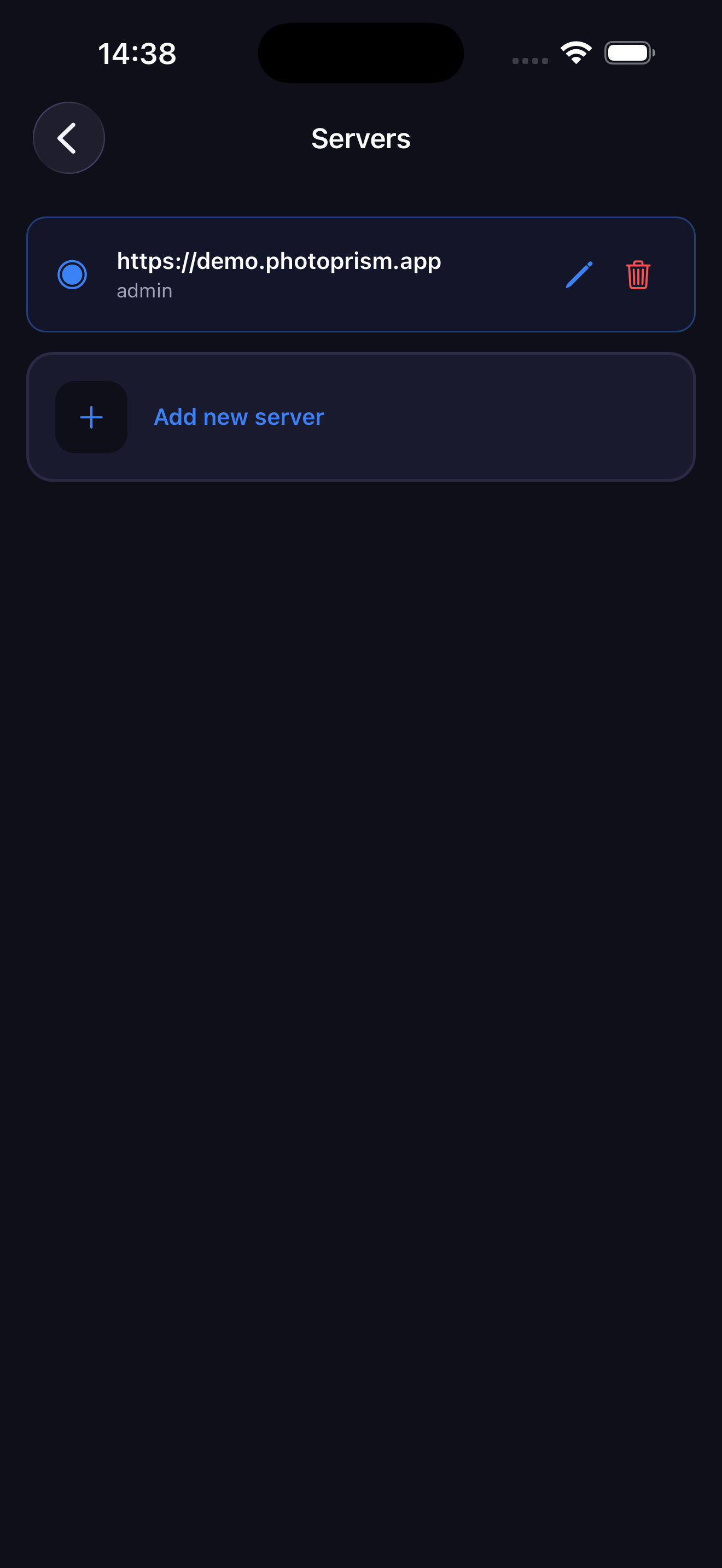
PhotoSpectra supports multiple PhotoPrism servers. The active server is highlighted.
Switching Servers
Tap any server in the list to switch to it. The app will reload automatically to connect to the new server.
Adding a Server
Tap Add new server and enter the URL, username and password. See the Access guide for details.
Editing a Server
Tap the on any server to change its URL, username or password. You must re-enter the password to save. The app reloads after saving.
Removing a Server
Tap the trash icon to remove a server. If you remove the last server, you'll be redirected to the login screen.