Albums
Albums are your curated photo collections synced from your PhotoPrism server. Access them from the Explore tab.
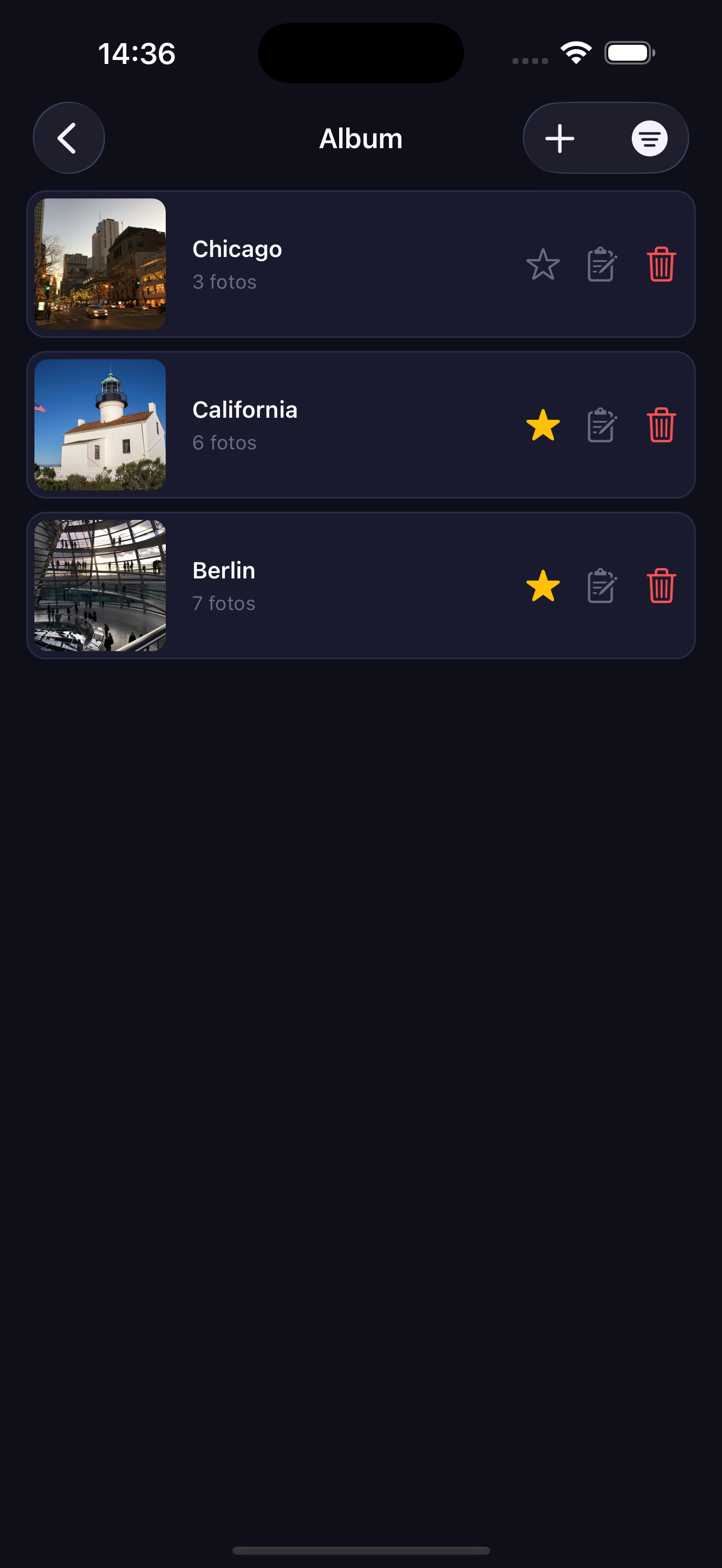
Viewing Albums
Tap Albums in the Explore tab to open the albums list. Tap any album to browse its photos.
Adding an Album
Tap the + button in the top right corner of the Albums screen.
Favoriting an Album
Tap the Star icon on any album in the list to mark it as a favorite.
Removing an Album
Tap the Trash icon on any album in the list to delete it from your server.