Access
Connect to Your PhotoPrism Server
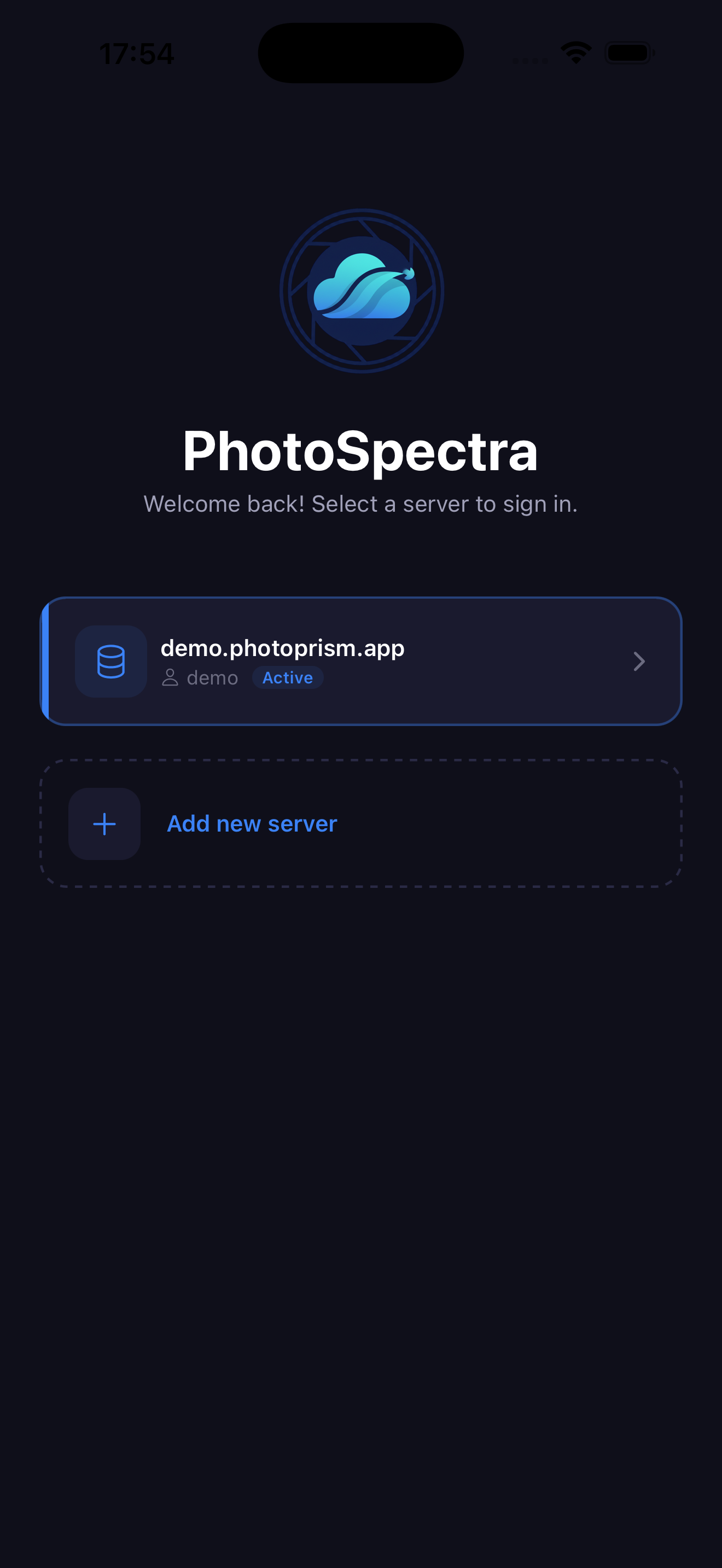
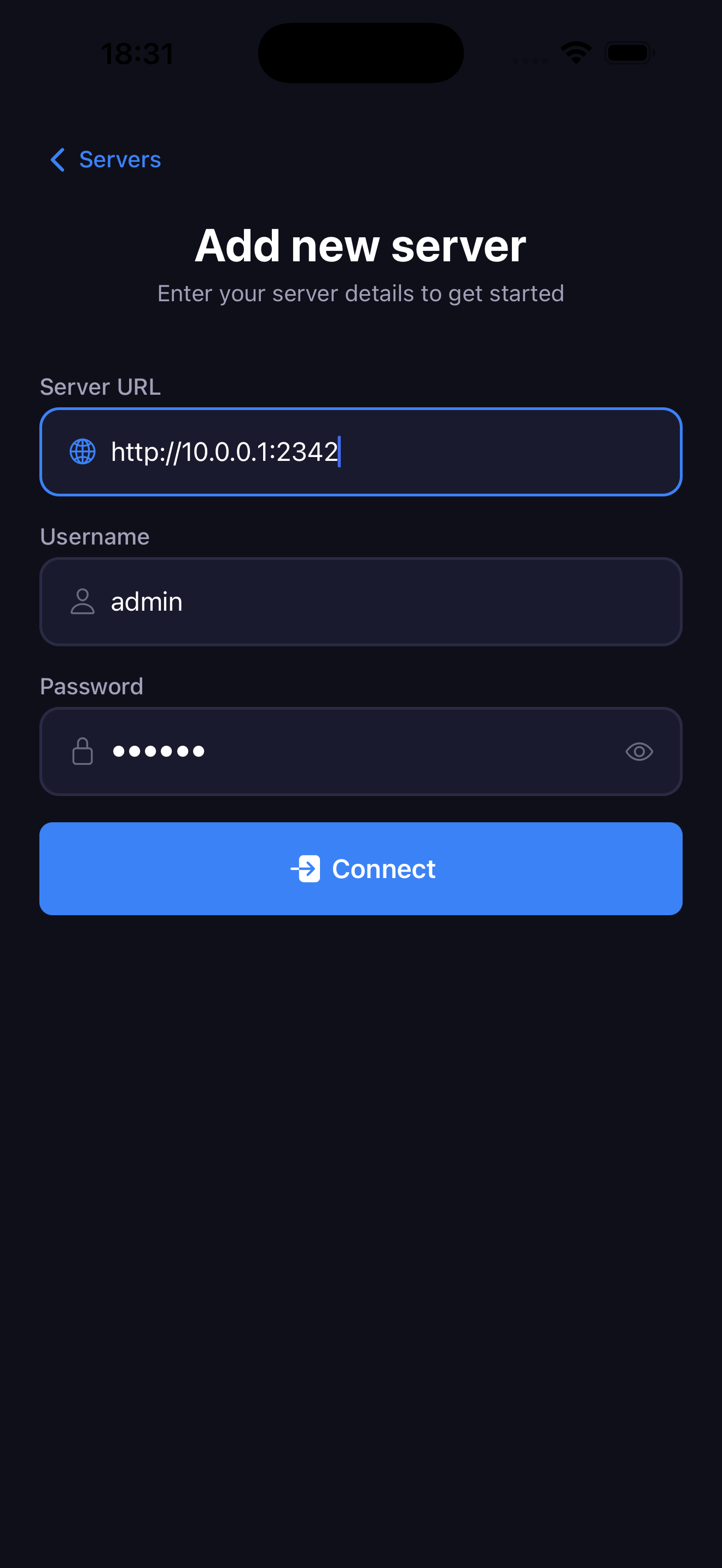
On the login screen, enter:
- Server URL: Your PhotoPrism server address (e.g.,
https://photos.example.com) - Username: Your PhotoPrism username
- Password: Your PhotoPrism password
Tap "Connect and Save" to authenticate.
warning
Use https for your PhotoPrism server URL to ensure secure connection.