Remote photos
Under the Remote tab, you can view photos stored on your PhotoPrism server.
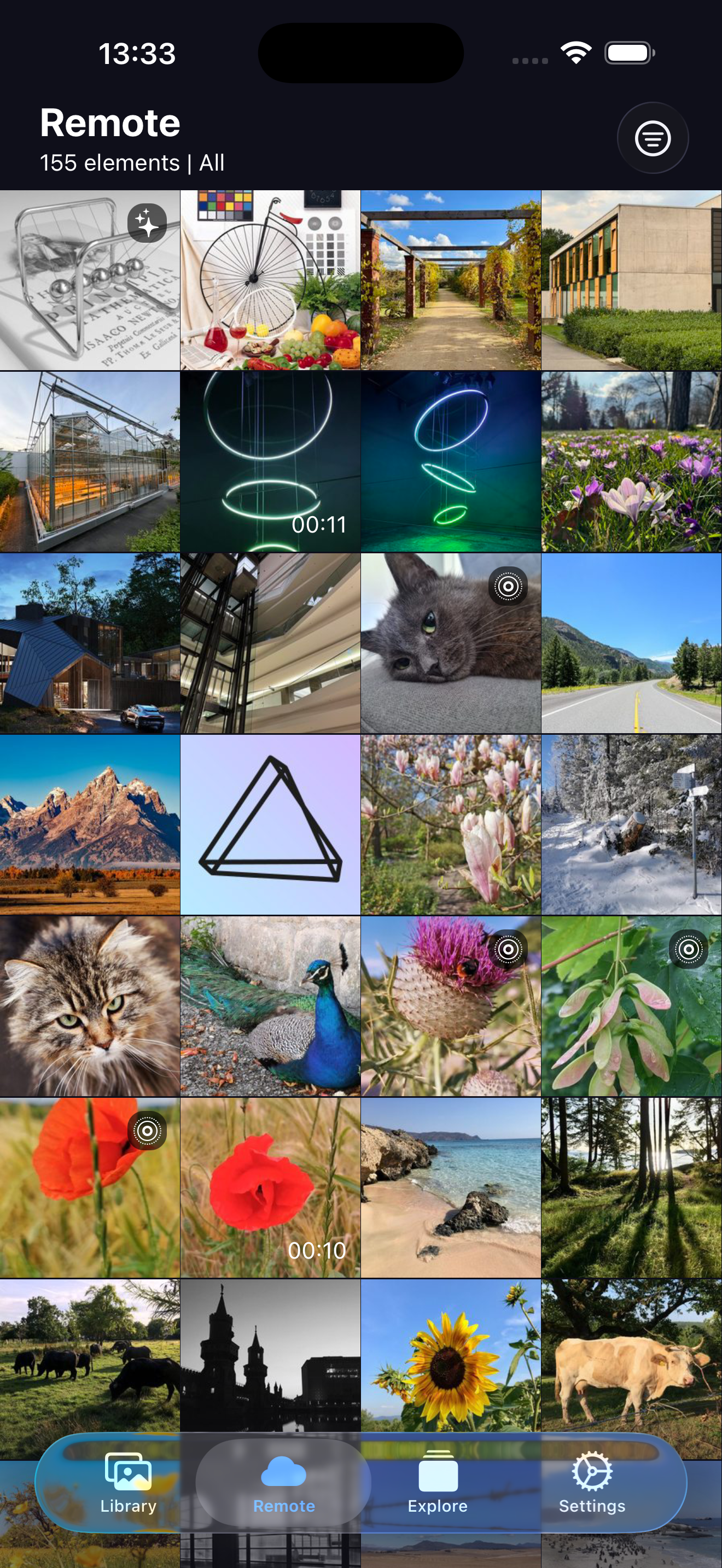
Photos
You can filter photos by:
- Default: View all photos
- Review: View photos pending review
- Archived: View archived photos
- Private: View private photos
- Favorites: View only favorite photos
- OrderBy: View photos ordered by newest,oldest,added,edited,name
Media
info
The media and detail view are the same for Albums, Folders, Moments and Calendar.
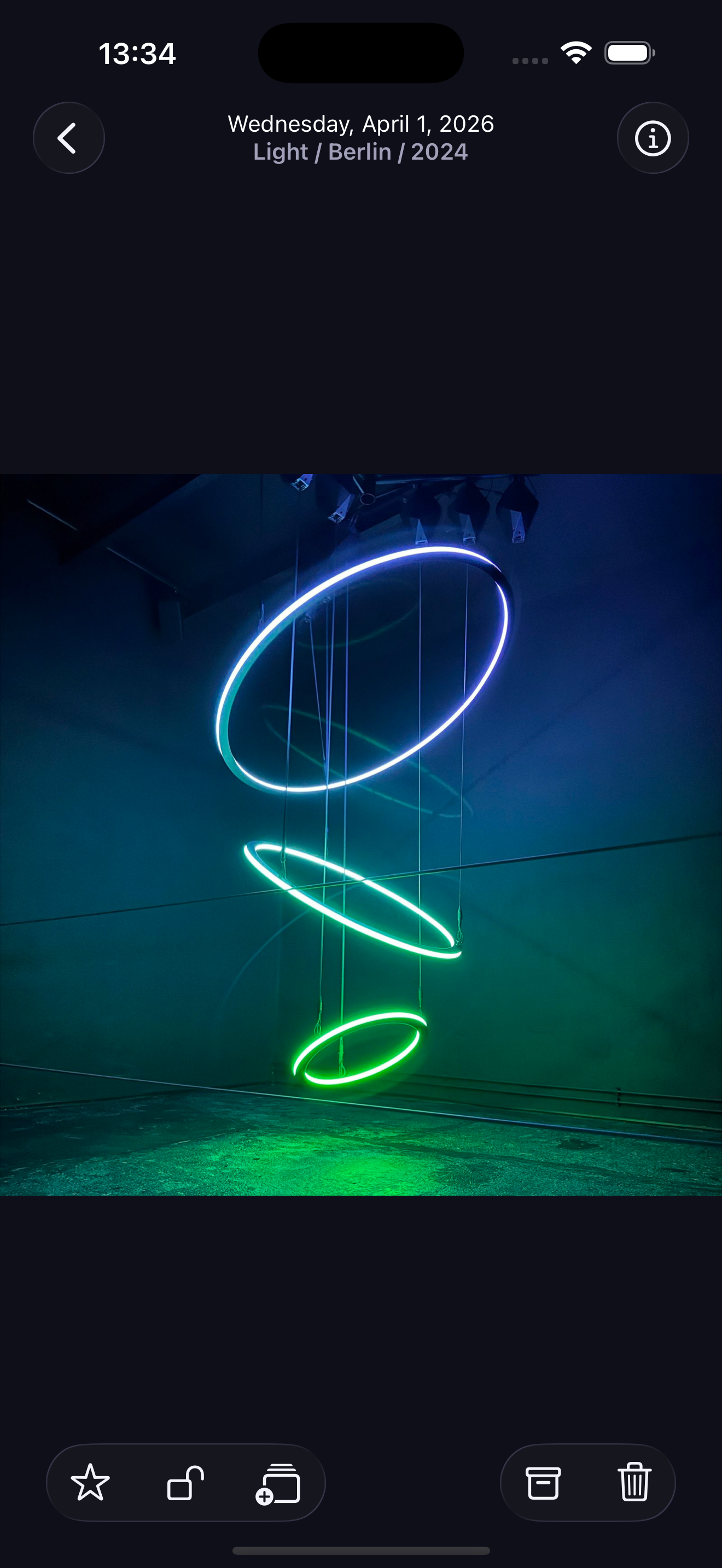
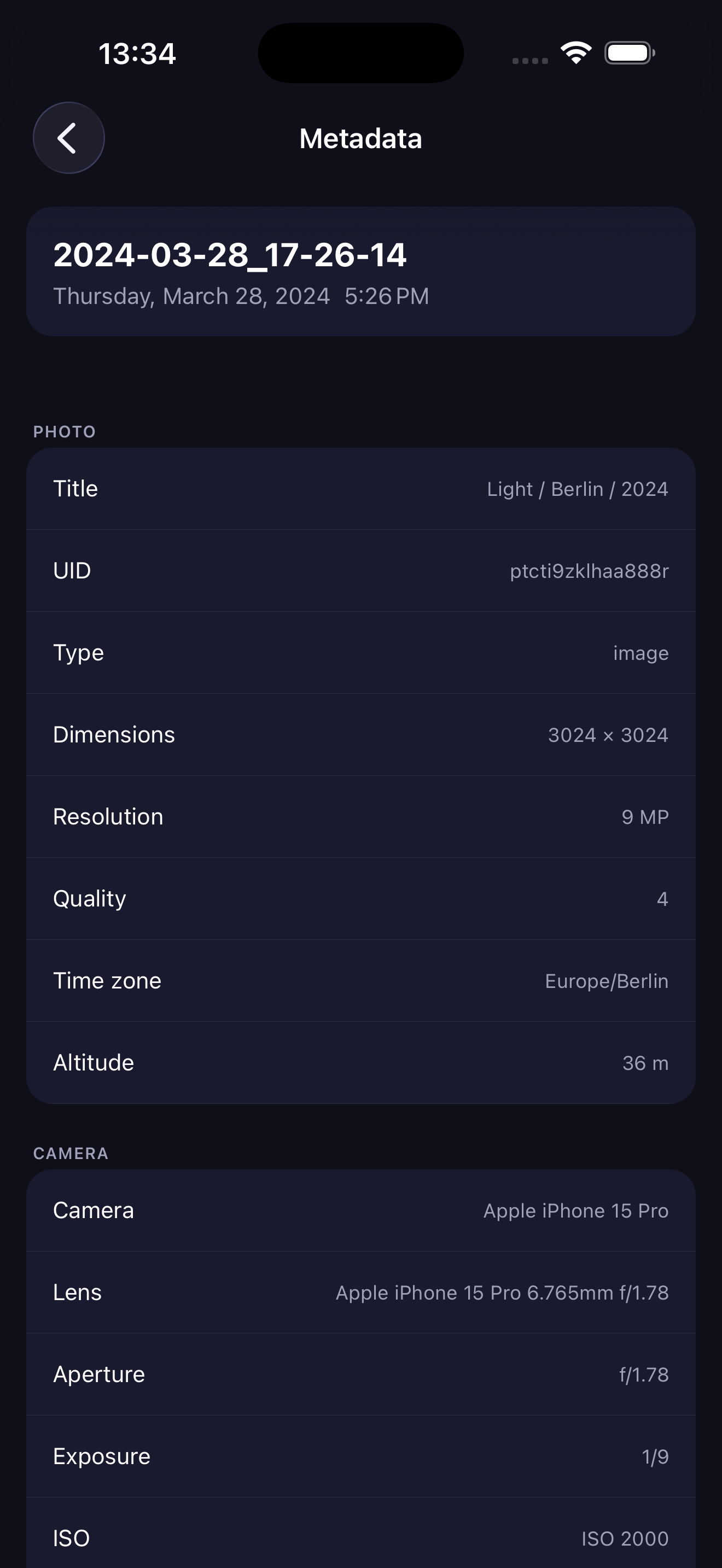
Media viewing
When viewing a photo, you can:
- Tap the photo to view it in full screen
- Tap the Info button to view photo details and metadata
- Tap the Star button to favorite the photo
- Tap the Plus button add the photo to a album
- Tap the Archive button to archive the photo
- Tap the Delete button to delete the photo