Settings
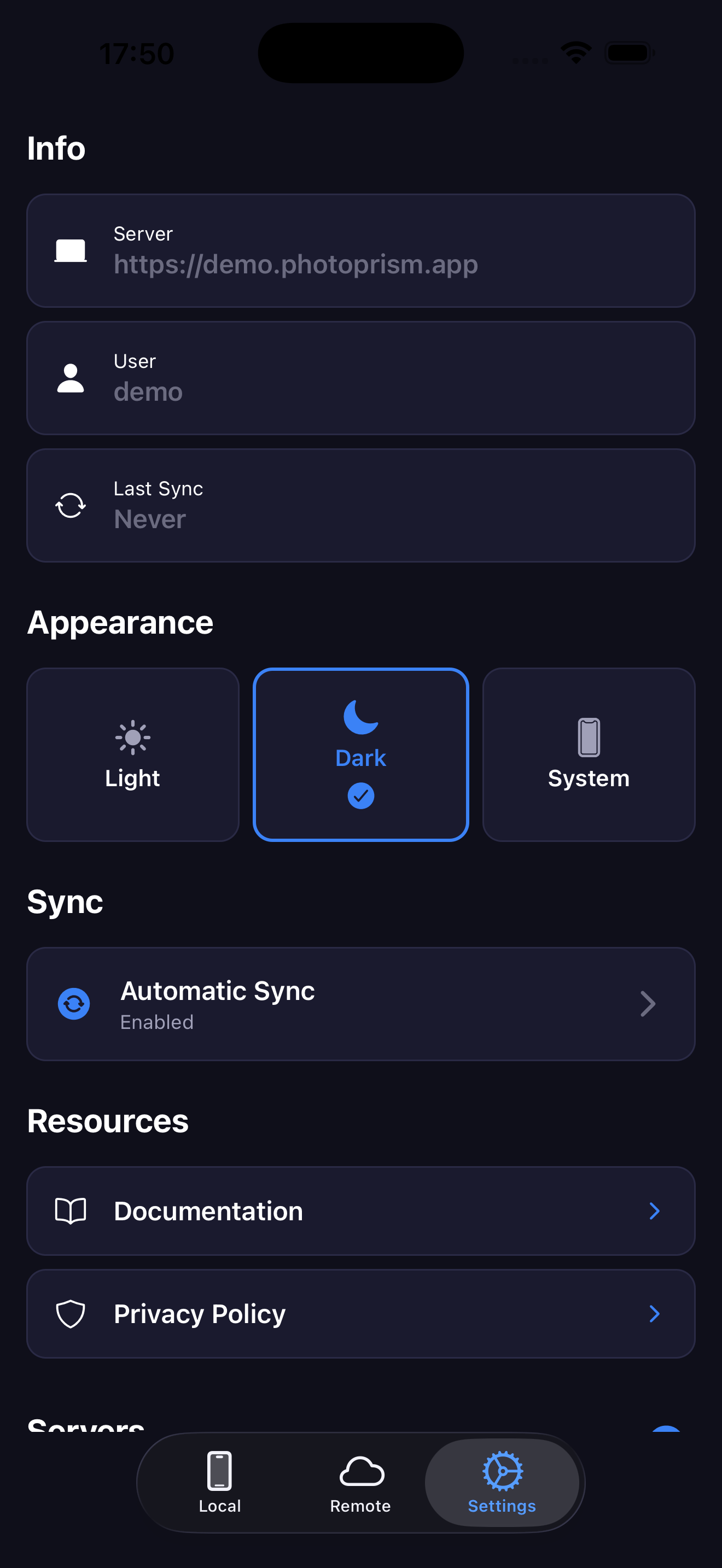
Info server
In this section you can see the information of the current server you are connected to.
Appearance
In this section you can change the appearance of the app.
Automatic Background Sync
- Go to Settings tab
- Enable "Auto Sync Background"
- Set the interval for automatic sync.
- PhotoSpectra will automatically sync new photos based on the set interval
Managing Multiple Servers
- Go to Settings tab
- Tap "Add Server"
- Enter new server credentials
- Switch between servers as needed.